Upscale Images Up to 4x with Sharper Details
Increase image resolution online with AI. Reduce pixelation, rebuild detail, and make small images clearer for screens, listings, and prints.
Drag and drop, paste, or choose a file
Supports JPG, PNG, and WebP up to 10.0 MB
Free trial includes 5 AI image processes per day across all modes.
Increase Resolution Without Simple Pixel Stretching
Use the upscaler when your image is too small for a listing, presentation, display, or print.
Old photos
Enlarge restored memories for larger displays or prints.
Product images
Make small product photos usable on marketplaces and storefronts.
Avatars
Improve tiny profile pictures before reuse.
Illustrations
Upscale drawings and digital art with cleaner edges.
Screenshots
Make interface captures clearer for documentation.
Example outcomes
When AI Image Upscaler Helps
Use these cases to decide whether your source image has enough visible detail for a useful upscale.
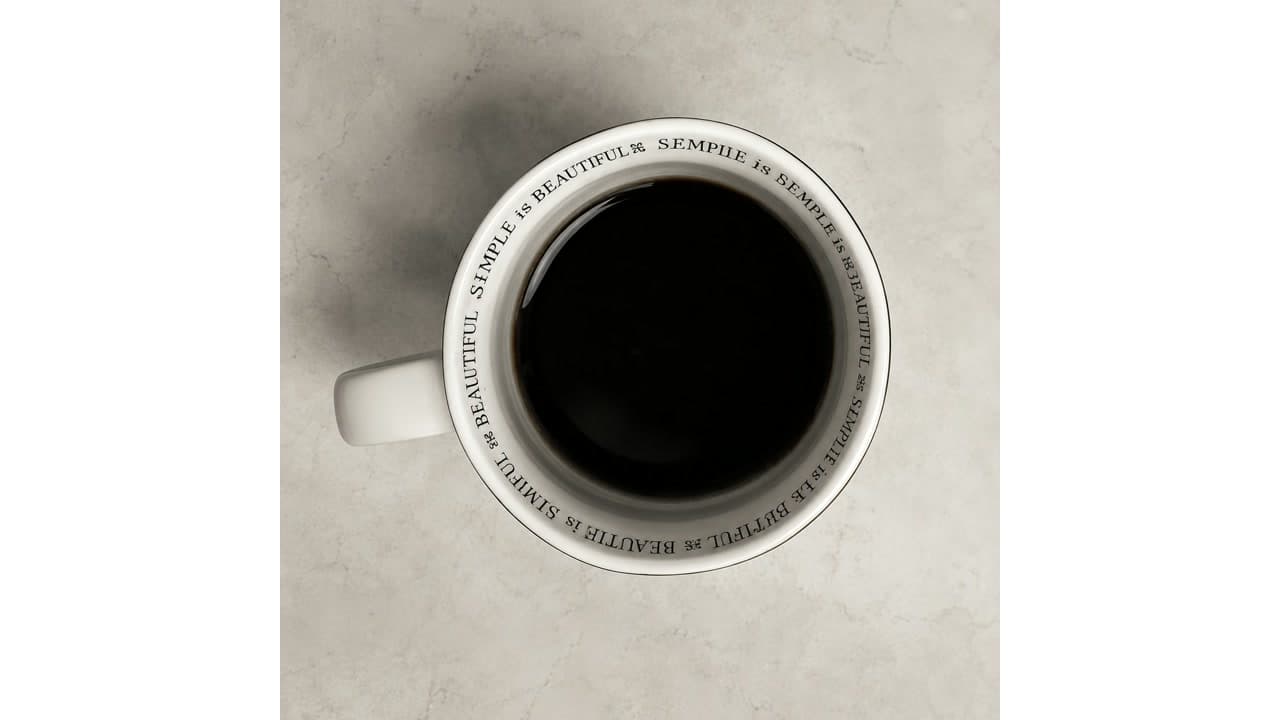
Product photo
Small product image
Useful when a product image is too small for zoom views, catalogs, or marketplace layouts.
- Before
- Small dimensions, soft edges, and limited texture visibility.
- After
- Larger dimensions with clearer outlines and more usable surface detail.
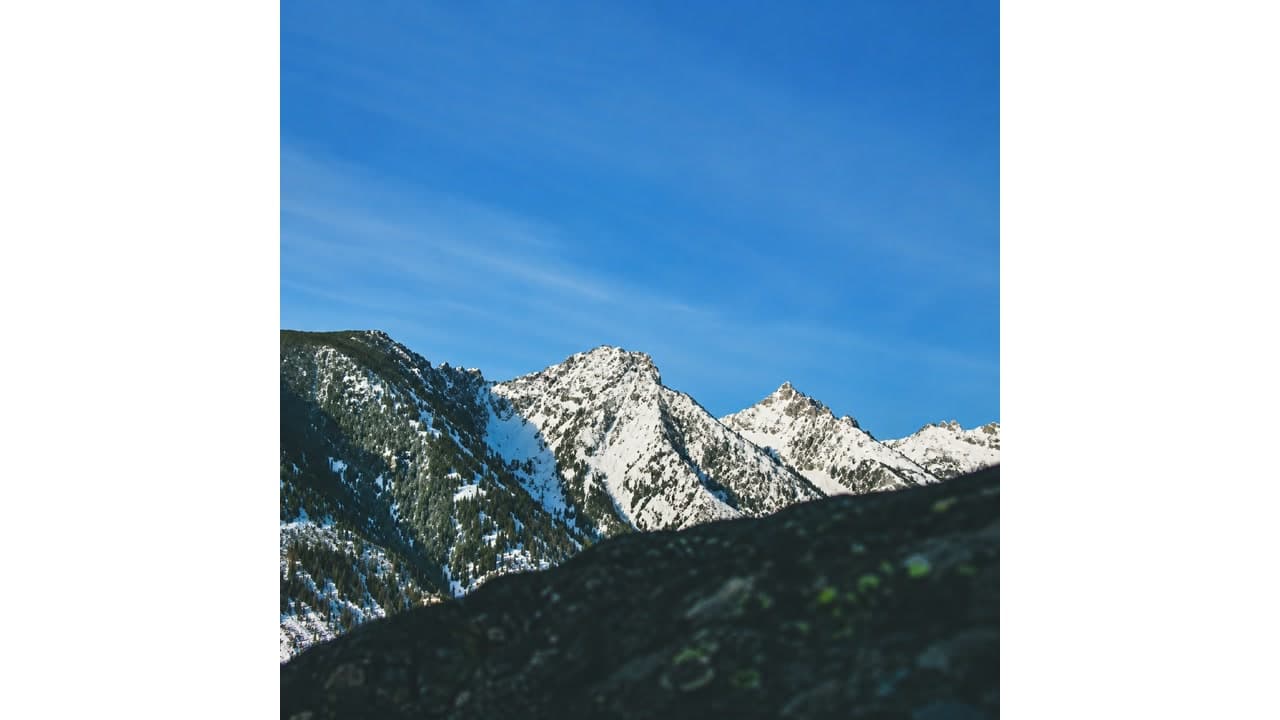
Landscape
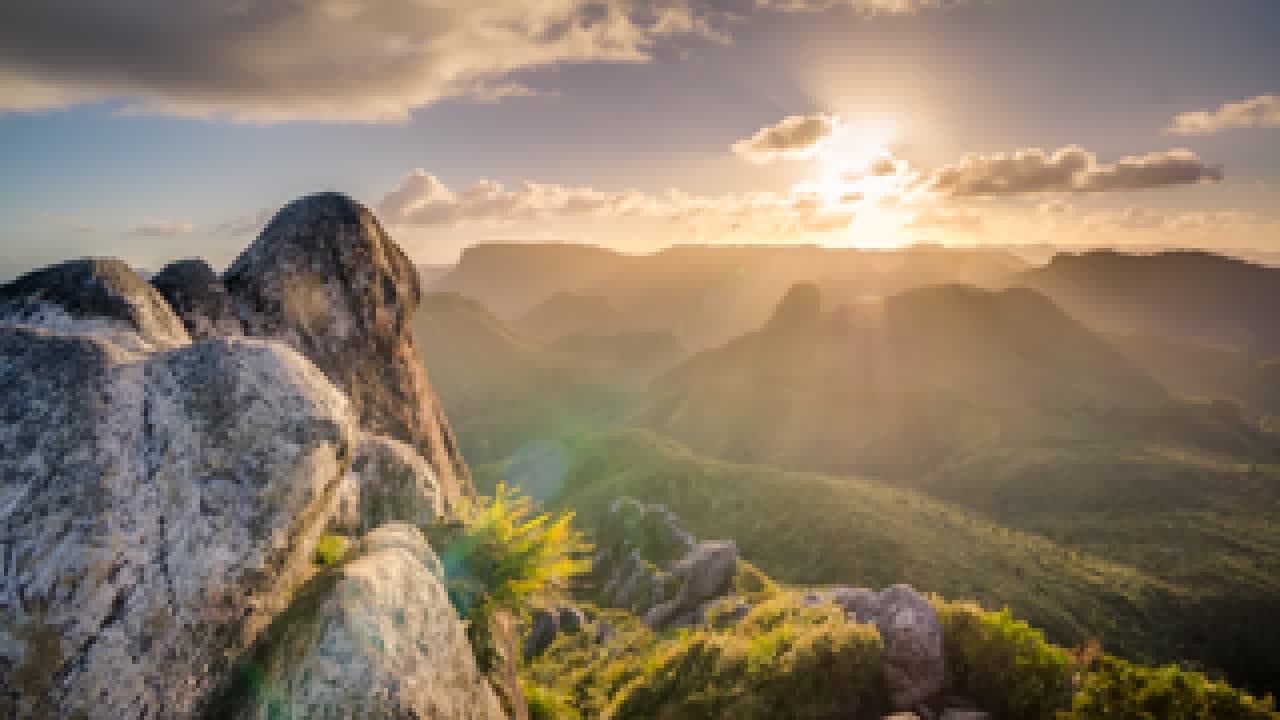
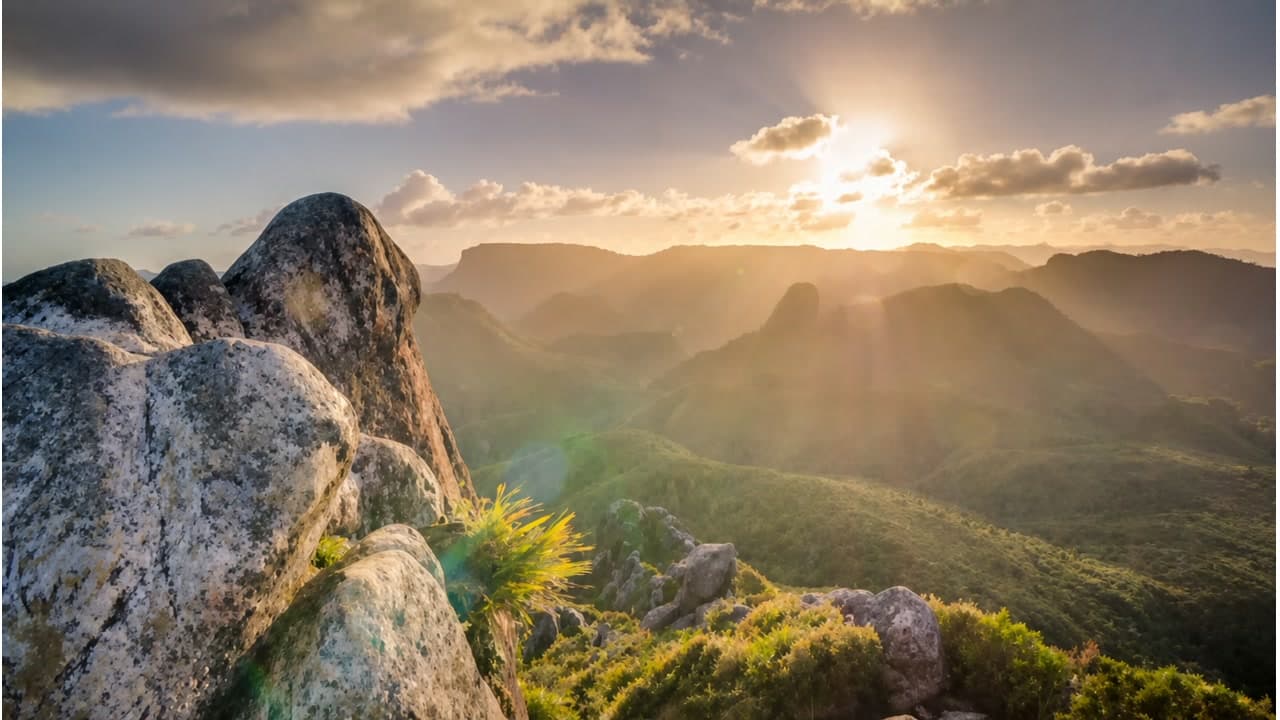
Small landscape photo
Helps travel, nature, and background images look clearer when reused in larger layouts.
- Before
- Low resolution, soft mountain edges, and limited texture in distant details.
- After
- Larger dimensions, cleaner outlines, and more readable landscape texture.
Print prep
Memory photo for larger display
Works when the original photo is small but the subject is still clear enough to enlarge.
- Before
- Too few pixels for a frame, album page, or larger screen.
- After
- A larger file that is easier to share, crop, or prepare for print review.
Works Best For
- Small images that need more pixels for reuse.
- Low-resolution photos with visible but soft detail.
- Product shots that need clearer edges and textures.
- Images being prepared for larger display or printing.
Limited For
- Images with severe compression artifacts.
- Very small text that is already unreadable.
- Images dominated by noise instead of real detail.
- Images you do not have rights to reuse.
How AI Image Upscaling Works
Upload a low-res image
Choose a JPG, PNG, or WebP file that needs more resolution.
AI rebuilds detail
ImgRefiner increases resolution and reduces blur or pixelation.
Download a sharper result
Compare the before and after result, then save the upscaled image.
AI Image Upscaler FAQ
What is the maximum upload size?
You can upload JPG, PNG, and WebP images up to 10MB.
Can I upscale an image to 4K?
The upscaler can increase image resolution up to 4x when the source image has enough recoverable detail.
Will upscaling create artifacts?
AI upscaling reduces common blur and pixelation, but heavily compressed or noisy inputs can still show artifacts.
Does it work for illustrations?
Yes. It can upscale many illustrations, drawings, and digital art images with cleaner edges.
Is the AI image upscaler free?
Yes. You can upscale up to 5 images per day for free. Extended usage may be added through future plans.
More AI Image Tools
Improve image quality before or after upscaling.
Upscale Your Image Now
Upload a small image and download a larger, sharper AI-upscaled version.
Upload & Upscale Free