Bring Old Memories Back to Life
Restore faded, scratched, blurry, or scanned family photos with AI. Upload an old photo and bring precious details back with greater clarity.
Drag and drop, paste, or choose a file
Supports JPG, PNG, and WebP up to 10.0 MB
Free trial includes 5 AI image processes per day across all modes.
Restore Old Photos Without Manual Retouching
Use restoration mode for family archives, scanned albums, faded portraits, and older photos that need careful AI cleanup.
Scanned photos
Clean up old album scans before archiving them.
Phone captures
Improve phone shots of printed photographs.
Family photos
Recover clearer faces and details from personal memories.
Faded photos
Improve aged color, contrast, and visible detail.
Example outcomes
What Old Photo Restoration Can Recover
These cases set realistic expectations for faded, scratched, or scanned family photos.
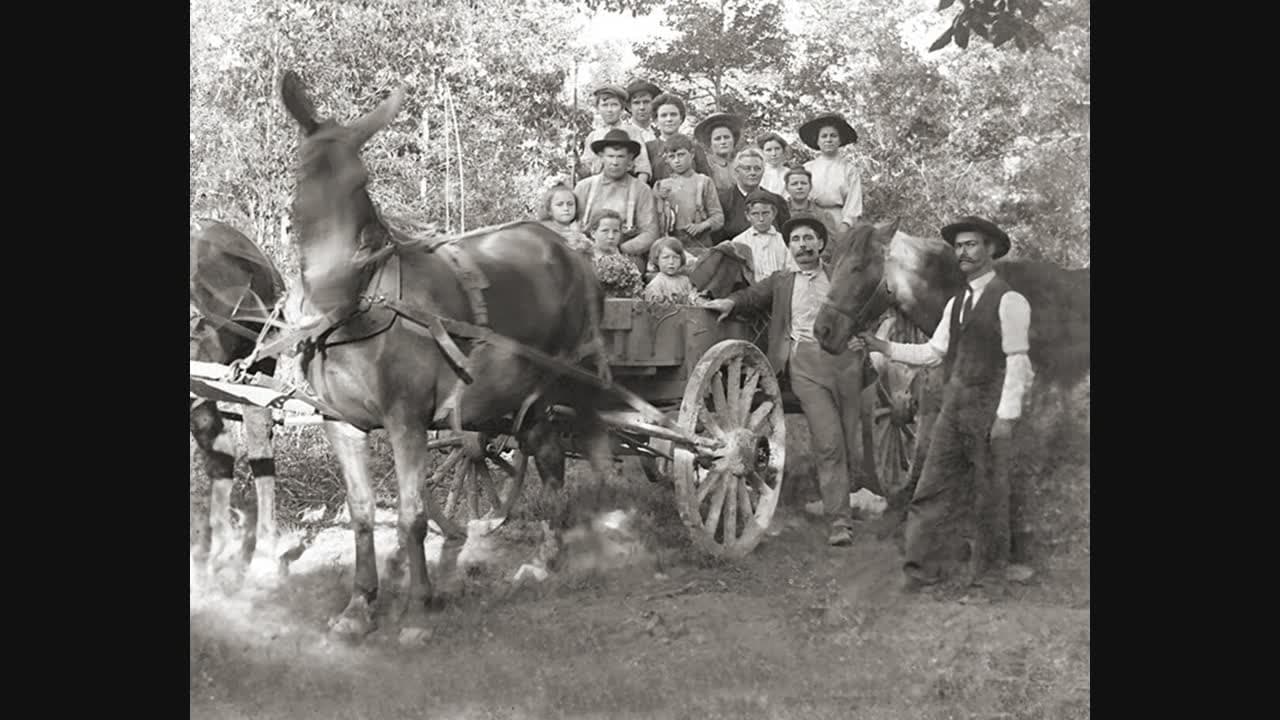
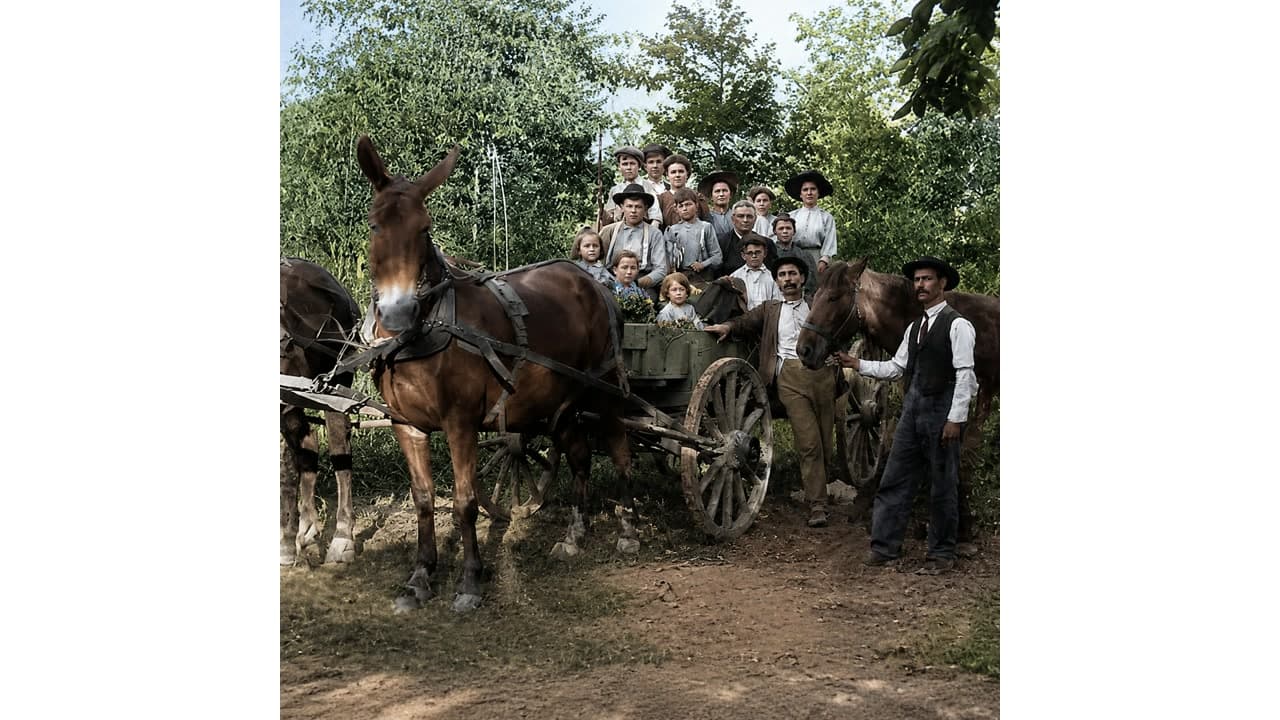
Family archive
Faded portrait
Useful when the subject is visible but age has reduced color, contrast, and facial detail.
- Before
- Yellowed paper tone, low contrast, and soft facial features.
- After
- Improved contrast, more natural color, and clearer visible features.
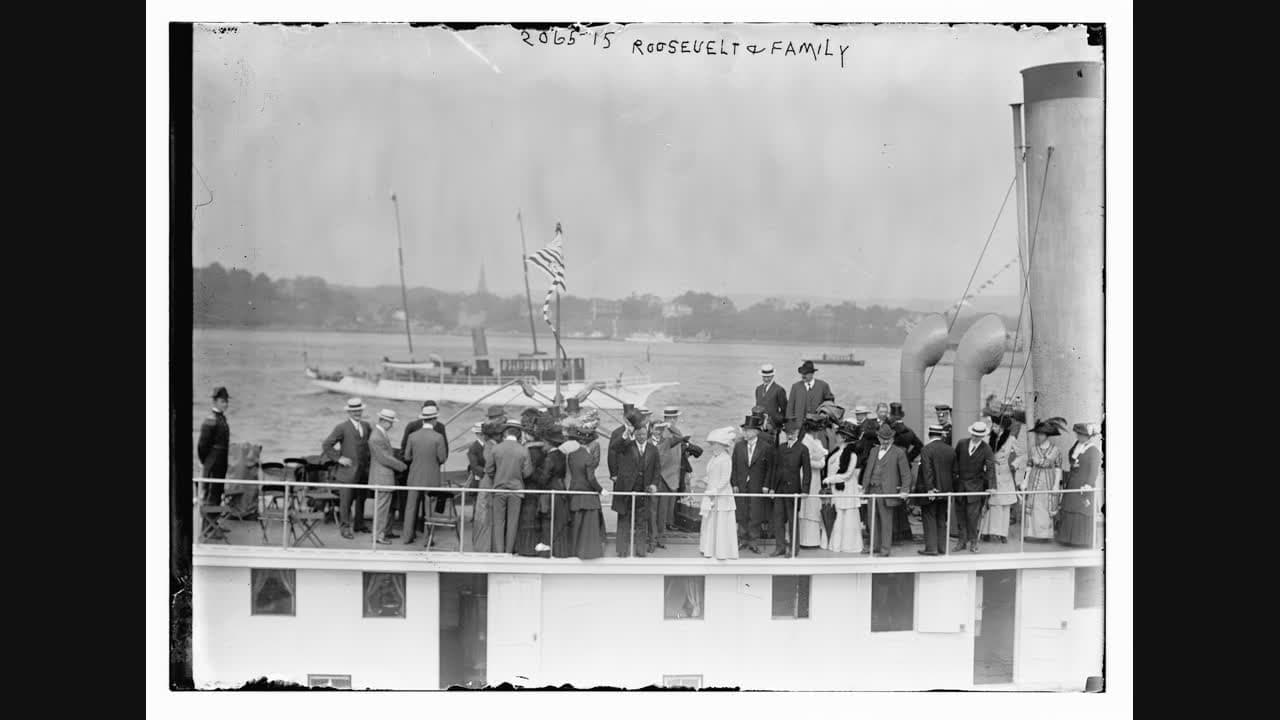
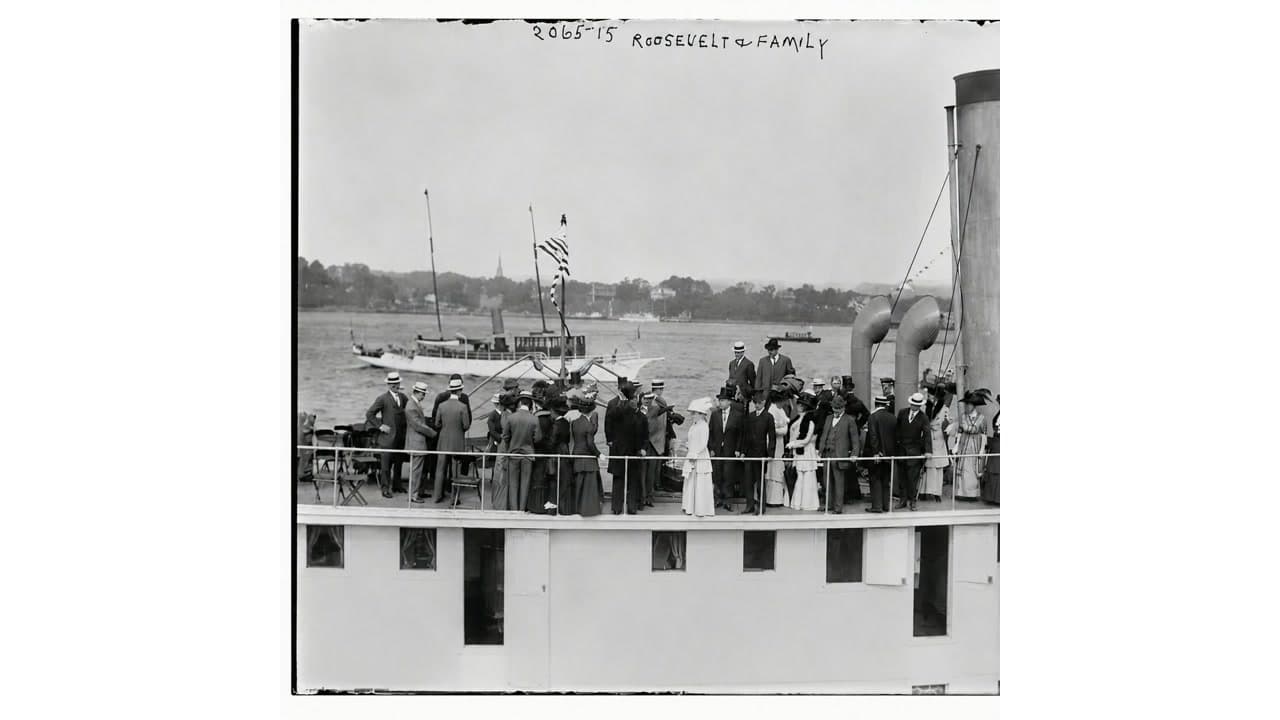
Scanned photo
Scratched album scan
Helps clean light scratches, dust, and scan softness before archiving.
- Before
- Surface marks, scan haze, and softened clothing or background detail.
- After
- Reduced visible damage, cleaner edges, and a more readable restored scan.
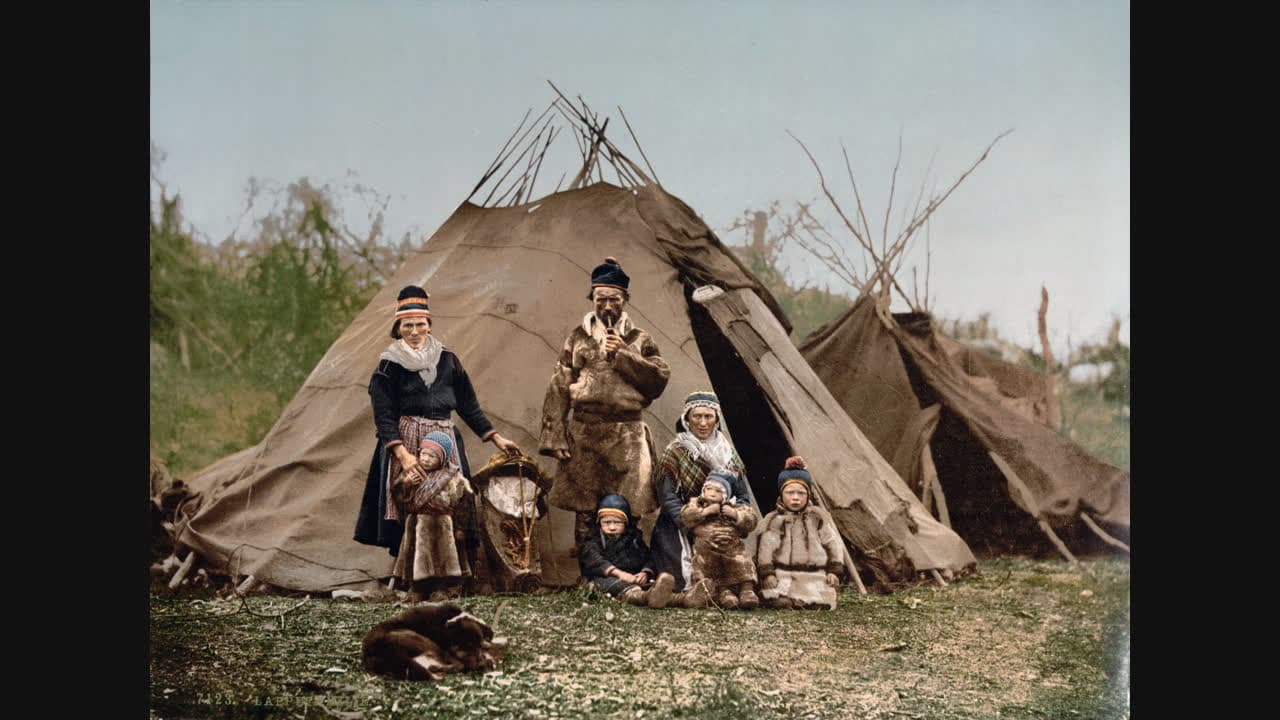
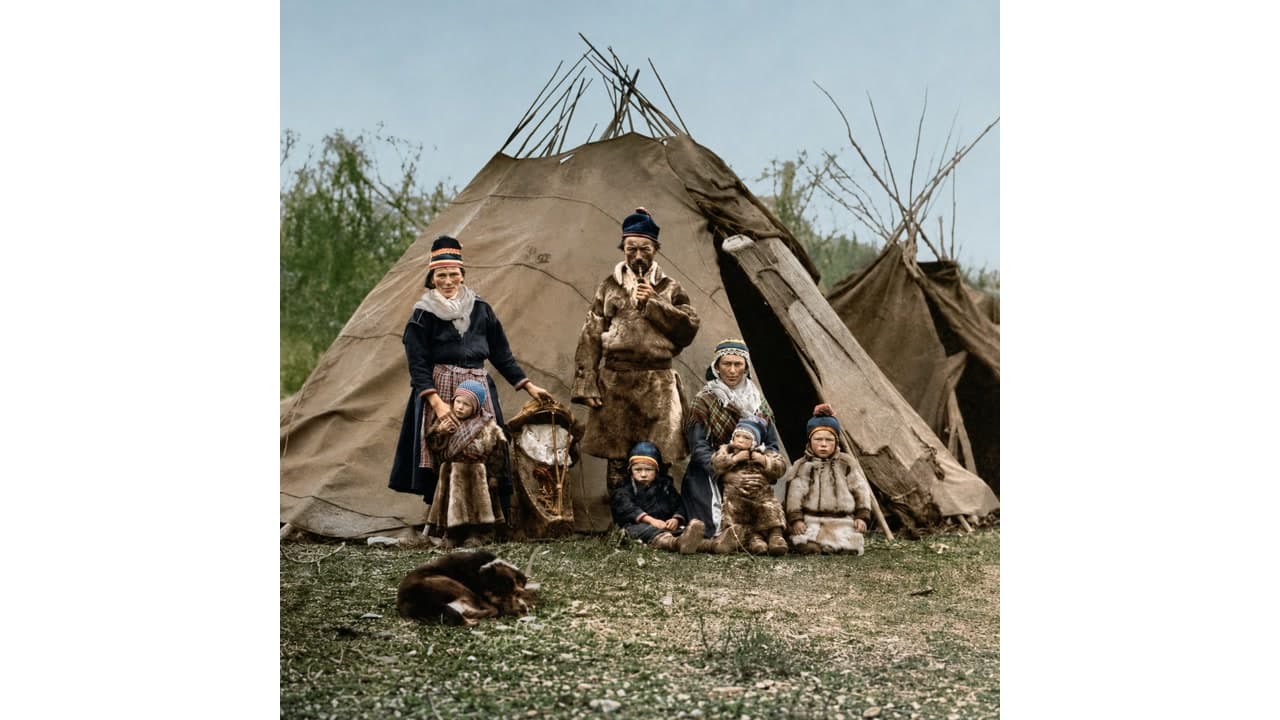
Phone capture
Phone photo of a printed picture
Works best when the paper photo is shot straight-on with limited glare.
- Before
- Uneven lighting, mild blur, and faded print color.
- After
- Balanced tone, improved clarity, and a cleaner version for sharing.
Works Best For
- Light scratches, dust, and surface marks.
- Faded, yellowed, or low-contrast old photos.
- Soft facial and background details that remain visible.
- Scanned or phone-captured photos with mild damage.
Limited For
- Faces or subjects that are completely missing.
- Large torn areas with no visual reference.
- Photos where important details are covered.
- Restoration requiring historical research or manual reconstruction.
How Old Photo Restoration Works
Upload an old photo
Use a scanned photo or a phone capture in JPG, PNG, or WebP format.
AI analyzes damage
ImgRefiner repairs scratches, faded color, blur, and damaged details where possible.
Download the restored photo
Compare the original and restored version, then save the result.
Old Photo Restoration FAQ
Can black and white photos be colorized?
Yes. Restore mode can apply conservative colorization when it fits the photo. It is not a separate colorize-only switch yet, so black and white photos are restored for clarity first and may receive restrained natural color.
Can severely damaged photos be restored?
AI can help with scratches, fading, blur, and mild damage, but missing faces or large torn areas may need manual repair.
Do I need a scanner?
A scan usually gives better results, but a clear phone photo of the printed picture can also work.
Are family photos private?
Yes. Images are processed securely, are not shown publicly, and uploaded files and results are scheduled for deletion within 24 hours.
Is old photo restoration free?
Yes. You can restore up to 5 images per day for free. Extended usage may be added through future plans.
More AI Image Tools
Use other ImgRefiner tools after restoring a photo.
Restore Your Old Photo Now
Upload a faded or damaged photo and download a clearer AI-restored version.
Upload & Restore Free