Enhance Any Photo in One Click
Upload a photo and let AI improve brightness, color, contrast, sharpness, and clarity automatically. No design skills or software required.
Drag and drop, paste, or choose a file
Supports JPG, PNG, and WebP up to 10.0 MB
Free trial includes 5 AI image processes per day across all modes.
Built for Everyday Photo Quality Fixes
Use Auto Enhance when a photo is almost right but needs better light, color, and crispness before sharing or publishing.
Social media
Make casual posts look brighter and more polished.
Product images
Improve clarity and color before listing products online.
ID and profile photos
Clean up lighting and contrast while keeping a natural look.
Real estate photos
Lift shadows and make interior details easier to inspect.
Events
Recover better color and detail from quick snapshots.
Personal memories
Improve family photos before saving or printing them.
Example outcomes
What AI Photo Enhancer Improves
These common cases show where enhancement is useful and what to check before you download the result.
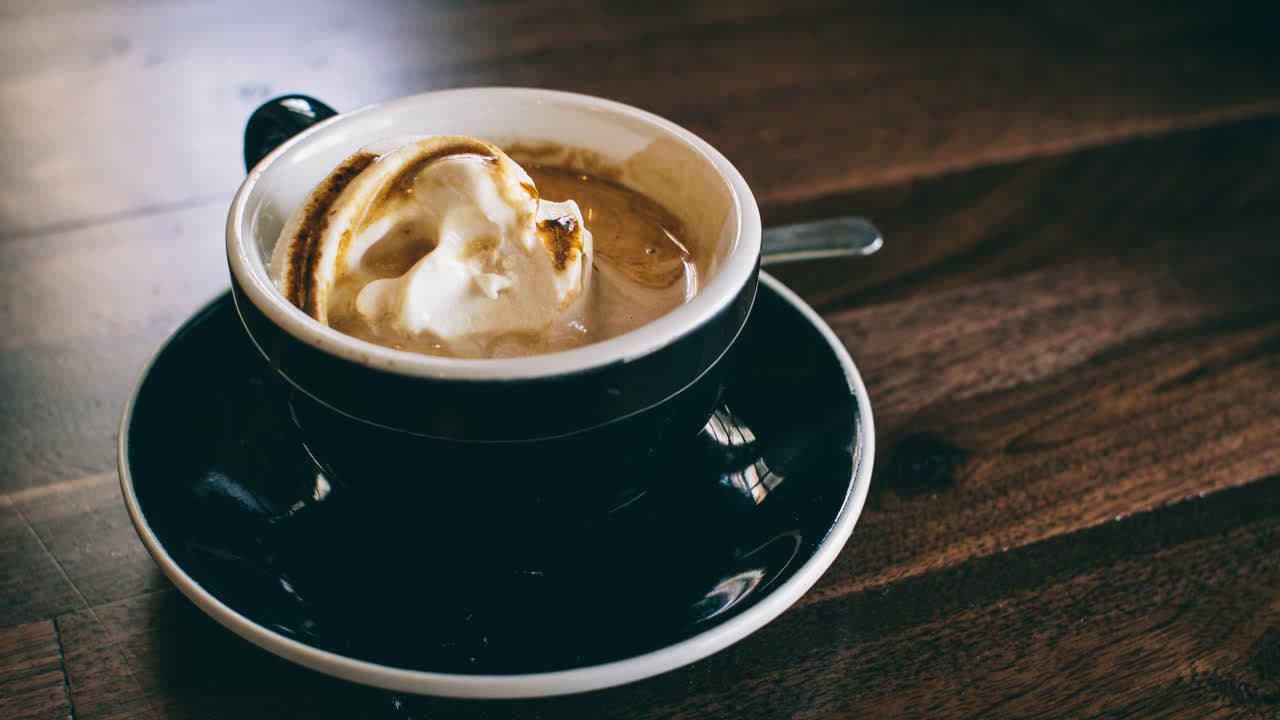
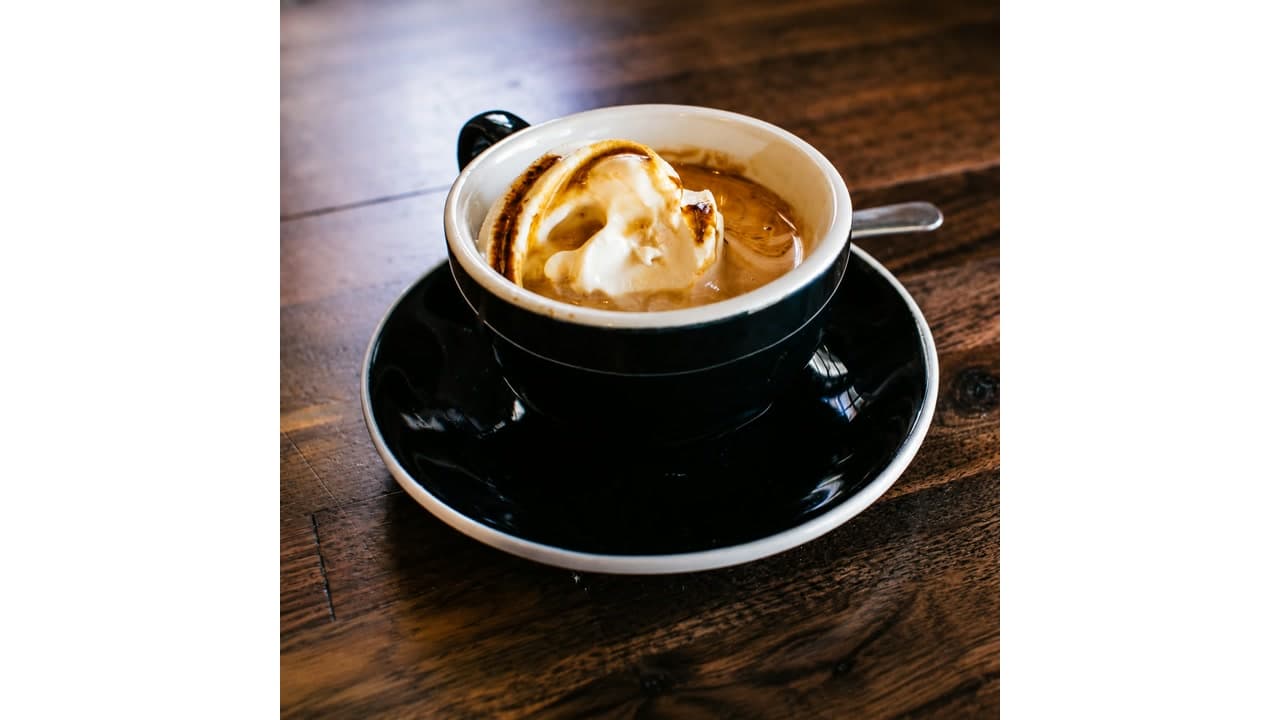
Product listing
Dim product photo
Useful when a product image looks flat, dark, or slightly soft before publishing.
- Before
- Low contrast, muted color, and edges that do not stand out.
- After
- Brighter exposure, cleaner color, and clearer edges while preserving the real product.
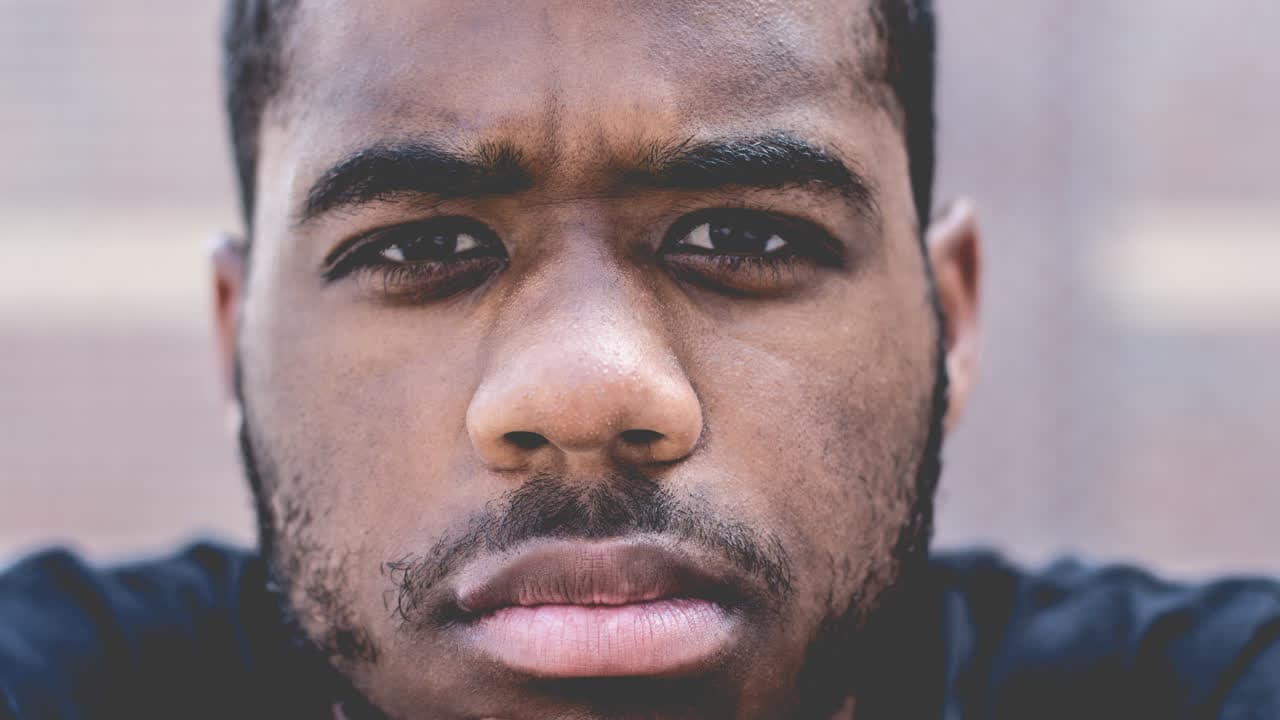
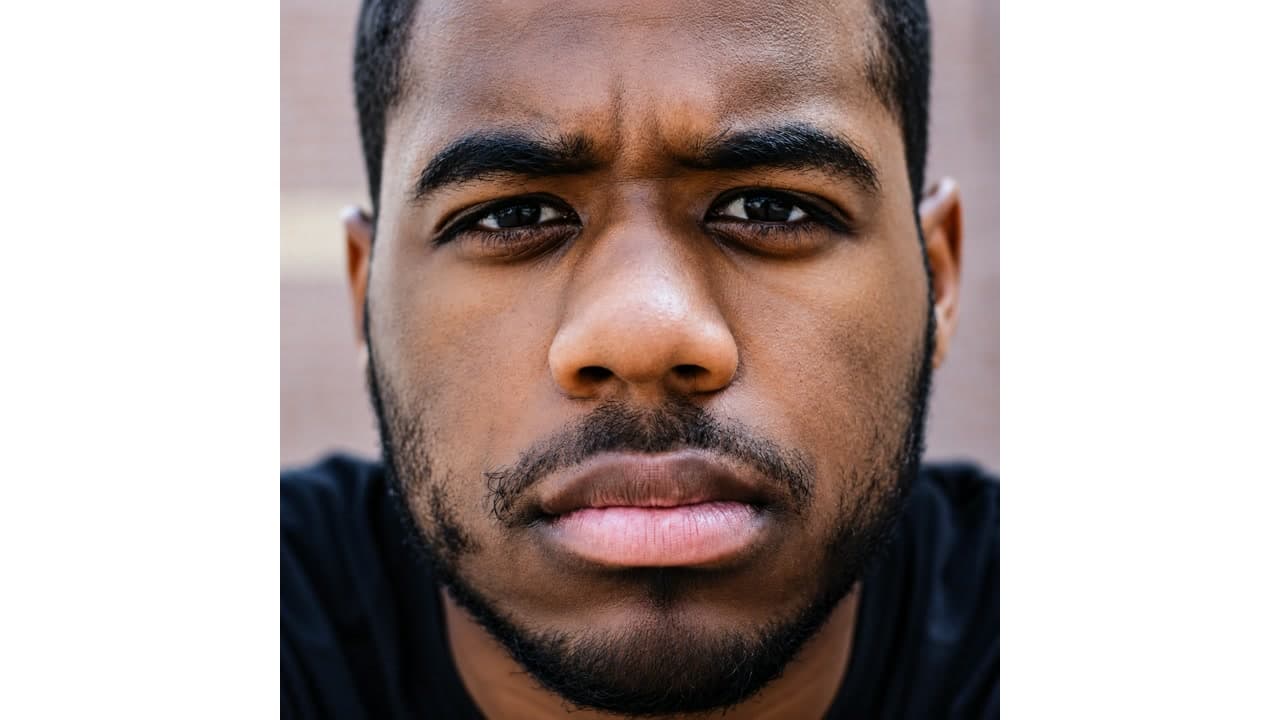
Portrait
Soft face or profile photo
Best for portraits where eyes, hair, and skin are visible but need a clearer finish.
- Before
- Light blur, dull lighting, and weak facial detail.
- After
- Sharper facial features, balanced brightness, and a natural-looking result.

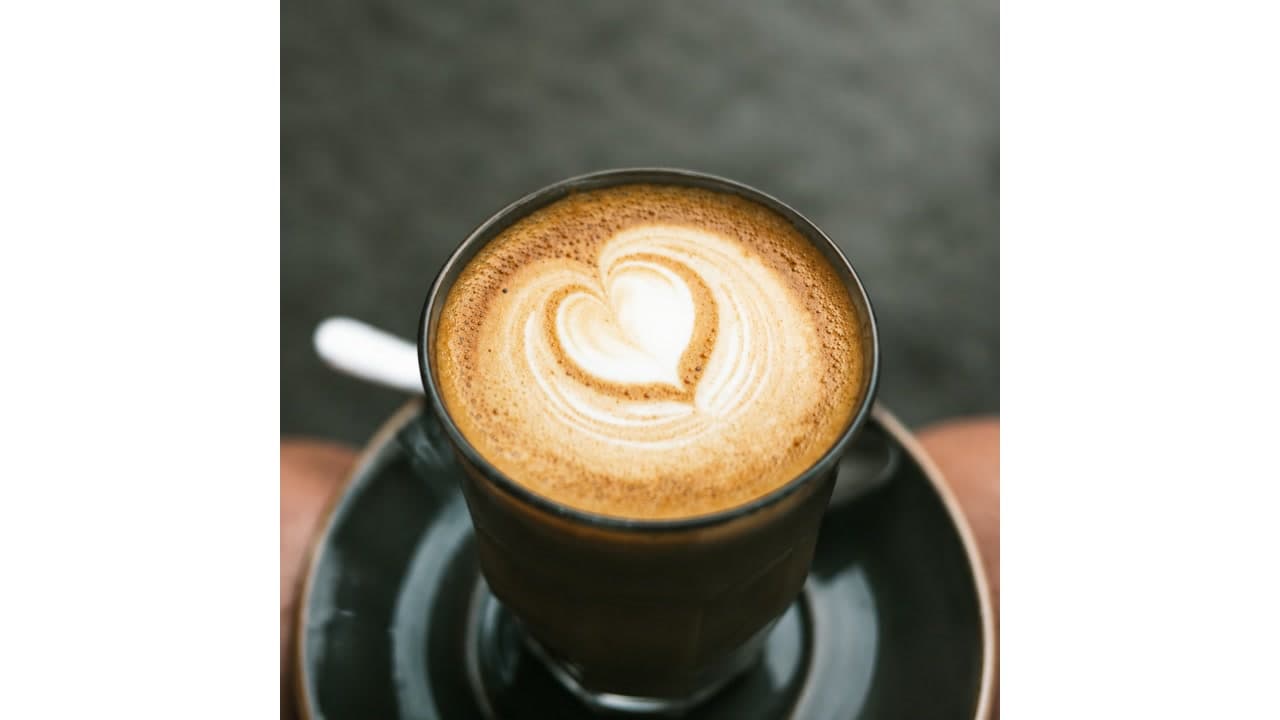
Marketplace
Flat ecommerce listing image
Improves usable listing photos that need more clarity before being uploaded to a store.
- Before
- Gray color, soft texture, and low visual separation from the background.
- After
- More defined texture, cleaner contrast, and a more inspection-friendly listing image.
Works Best For
- Photos that are too dark or slightly underexposed.
- Images with dull, gray, or washed-out colors.
- Light blur where the subject is still recognizable.
- Photos that need more contrast and local detail.
Limited For
- Severely torn or scratched photos that need restoration.
- Extremely tiny files with almost no recoverable detail.
- Images where the main subject is missing or blocked.
- Edits that require hand retouching or creative compositing.
How AI Photo Enhancement Works
Upload your photo
Choose a JPG, PNG, or WebP image up to 10MB.
AI improves the image
ImgRefiner balances brightness, color, contrast, sharpness, and detail.
Compare and download
Check the before and after result, then download the enhanced image.
AI Photo Enhancer FAQ
Which image formats are supported?
ImgRefiner supports JPG, PNG, and WebP uploads up to 10MB.
Will auto enhance reduce image quality?
No. The enhancer is designed to improve clarity and color while preserving a natural result.
Is the AI photo enhancer free?
Yes. You can enhance up to 5 images per day for free. Extended usage may be added through future plans.
How long does enhancement take?
Processing time depends on file size and current demand; once complete, your clearer enhanced image is ready to download.
Are uploaded images private?
Yes. Images are processed securely, are not shown publicly, and uploaded files and results are scheduled for deletion within 24 hours.
More AI Image Tools
Use a focused tool when your image needs more than general enhancement.
Enhance Your Photo Now
Upload an image, preview the AI-enhanced result, and download a clearer version.
Upload & Enhance Free